
Question-led guide · how-to
How do I ask AI for a code change I can actually check?
Turn a vague request into one visible change with named inputs, expected behavior, preserved content, and a short browser check that a beginner can perform.
Direct answer
Describe the current behavior, the single change you want, and what you expect to see afterward. Name any content that must stay intact and ask which files changed. Check the result in the browser with one ordinary input and one awkward input. If the request is too large to verify, divide it before asking the assistant to edit.
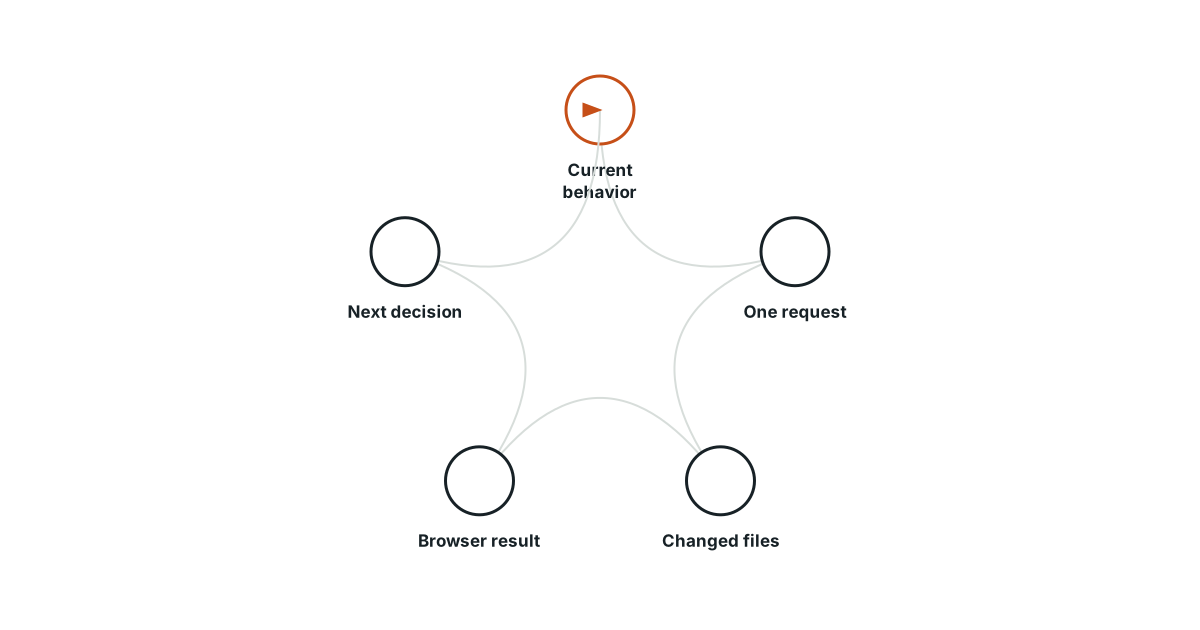
Start with what the page currently does
Suppose your collection shows every entry, and you want a search box that finds titles. Tell the assistant that starting point. Without it, “add search” could mean filtering existing entries, searching the whole internet, or introducing a new service. Describing the current screen reduces the number of assumptions hidden inside a short request.
Define one visible change
Ask for title filtering while leaving the entries and their edit behavior intact. State whether matching should ignore uppercase and lowercase letters and what should happen when the box is empty. You are specifying a result in ordinary language. The assistant can propose an implementation, but the behavior belongs to your request.
Make the request small enough to inspect
An original practice request could read:
Add a search box above my existing collection. Typing a word should show entries whose titles contain that word, ignoring letter case. An empty box should show every entry. If nothing matches, explain that clearly. Keep the saved entries unchanged. Tell me which files changed and how to check the result locally.
This does not ask for accounts, a redesign, or a new storage system. If the assistant proposes those additions, ask how they serve the stated search behavior before accepting them.
Prepare examples before reading the solution
Use a small collection whose titles you know. Write your expected results before testing so that a plausible screen does not redefine success afterward.
| Input | Expected result |
|---|---|
| Empty box | Every existing entry |
| A word in one title | That matching entry |
| The same word in capitals | The same matching result |
| A word in no title | A clear no-matches message |
| Clear the search | All entries return without data loss |
Inspect the change at the right level
Ask the assistant to identify the input, the filtering rule, and the part that draws the results. You do not need a lecture on the entire project. Browser developer tools can help inspect the resulting page when its appearance or behavior is surprising. Keep the working version available so you can compare the new behavior or undo the change.
Finish with observed results and one remaining question
Run the examples and record what you saw. If clearing the search restores the entries, that supports the intended filter behavior; it does not prove every future feature is correct. If something fails, report the exact input, expected result, and actual result. Then request a correction to that behavior. The next useful conversation starts from evidence you can point to, not from “it seems broken.”
Evidence and scope
- MDN Basic HTML syntax: HTML elements and attributes describe the structure and properties of page content.
- MDN Browser developer tools: Browser developer tools expose page structure, console output, and debugging facilities.
The proposed checks are teaching tools; validate their behavior in the actual environment.
Evidence
HTML elements and attributes describe the structure and properties of page content.
HTML elements and attributes describe the structure and properties of page content.
Primary source · official-doc · checked Sep 11, 2026
Limit: This source supports the named mechanism, not the outcome or thresholds of the illustrative workflow.
Browser developer tools expose page structure, console output, and debugging facilities.
Browser developer tools expose page structure, console output, and debugging facilities.
Primary source · official-doc · checked Sep 11, 2026
Limit: This source supports the named mechanism, not the outcome or thresholds of the illustrative workflow.
Limitations
The scenarios and decision worksheets are original teaching examples. They are not measured deployments or guarantees; adapt the checks to the actual system and its documented behavior.
FAQ
- Should I ask the assistant to explain every line?
- Usually begin with the part responsible for your requested behavior. Expand the explanation when a specific uncertainty matters.
- Is a detailed prompt enough to prove the change worked?
- No. A clear prompt defines the intended behavior; saved files and actual checks establish what happened.
Related guides
Continue within Build your first app with AI, or use one of these adjacent diagnostics:
Editorial QA: automated native-English, structure, source-presence, and link checks completed . This record is not an independent expert endorsement. Review boundary.